Symfony Deprecations Explained (Upgrade Without Breaking Things)

Written by kbond (Additional Contributor: bocharsky-bw)
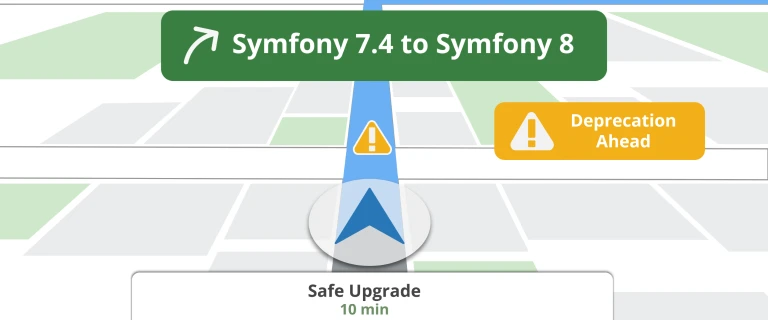
Upgrading Symfony does not have to feel like walking through a minefield. In fact, if you are using Symfony the way it is designed, even major upgrades can be predictable, safe, and even a little boring - in the best way.
At the heart of this is Symfony's deprecation system.
When a feature is going to change or be removed, Symfony does not just rip it out and hope for the best. Instead, it marks that feature as deprecated. Your app keeps working exactly as before - but you will start seeing warnings that point you to the new, recommended approach. It's like getting a heads-up from the future version of your app.
This is what makes the upgrade path so smooth: deprecations are your roadmap.
If you are on Symfony 7.4, every breaking change coming in Symfony 8 is already flagged as a deprecation. That means you can fix everything before you upgrade. And once your app runs with zero deprecations, you have essentially done the hard work already.
No deprecations = safe major upgrade
If you have been putting off an upgrade because you are worried about breaking things, try flipping your mindset: do not think about upgrading first - think about eliminating deprecations. Once those are gone, the upgrade becomes the easy part.
We've got a quick video explanation for you on how this all fits together and why it is such a powerful part of the framework:
To dig deeper into how to find and fix deprecations, check out the Tracking & Fixing Deprecations chapter of our Symfony 8 Upgrade course!
Comments

"Houston: no signs of life"
Start the conversation!